First Time User Registration
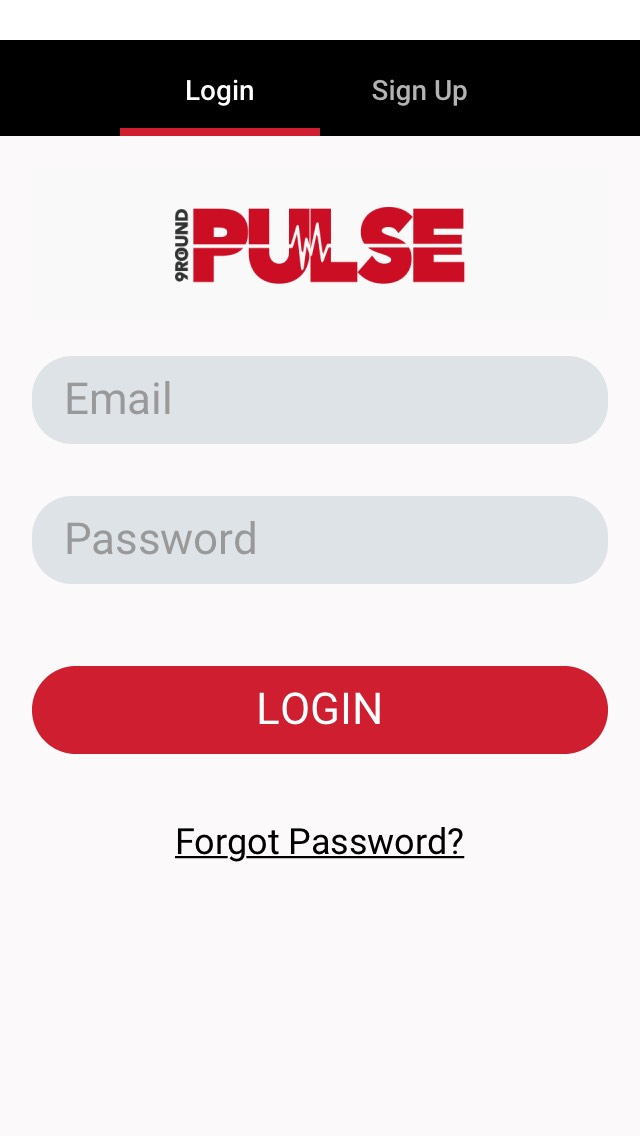
- Before using the app, an account must be created. Use the same e-mail address as the one registered to the heart monitor in the PULSE system.
- The app communicates with the member portal but does not draw profile information from the system.
- Press Sign Up and register the e-mail address and name, and create and confirm a password.

Menu
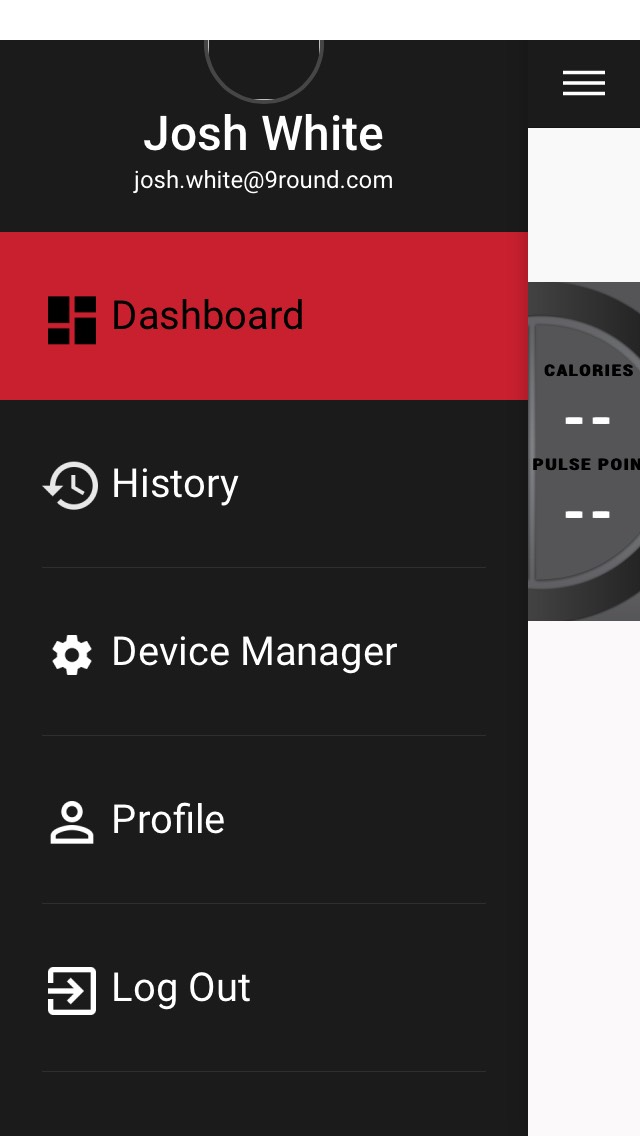
- Dashboard - Displays the tile screen and starts/ends active workouts.
- History - Displays previous workouts and detailed workout summaries for each.
- Device Manager - Displays a list of nearby active PULSE monitors, allowing the phone to pair with the monitor. The device must be worn to be discovered and pair.
- If the device does not appear, ensure the phone's Bluetooth is enabled, the monitor is not connected directly to the phone's Bluetooth, and disconnect all other Bluetooth devices from the phone.
- Profile - Displays and allows edits to user information. Profile must be updated prior to first use to ensure accurate heart rate data.
- User may add a profile photo by pressing the circle beside the name and e-mail address.
- Log Out - Logs the current user out and returns to the login screen.
Dashboard
If no devices are connected on startup, a pop-up message will prompt the user to add devices in Device Manager.
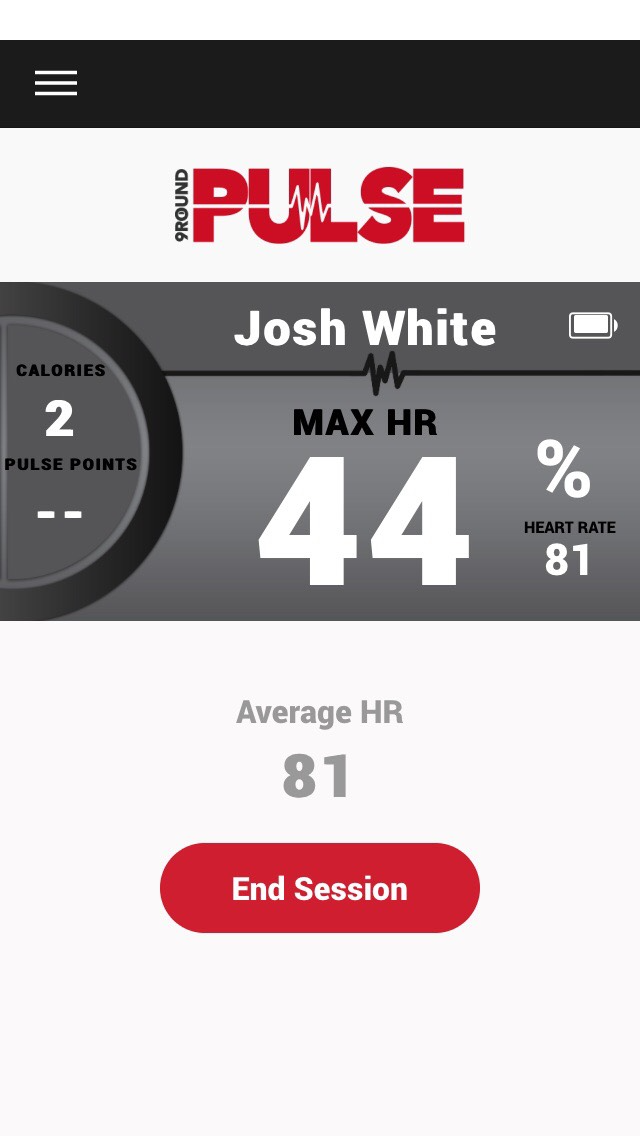
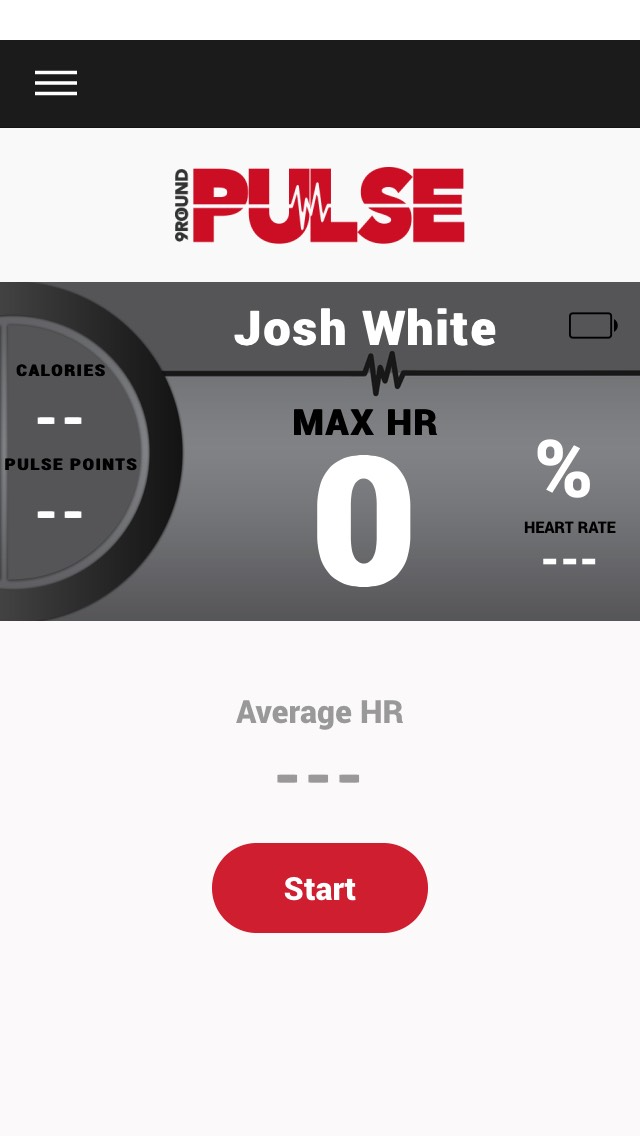
If a heart monitor is connected, press Start to begin an active workout. When the workout is complete, press End Session.
The phone must stay near the heart rate monitor and the screen must stay on to ensure constant connection and accurate readings.