How to use the PULSE tester
The PULSE tester can test both the pod and the strap. The results will be displayed on your PULSE TV display, so make sure the session is started and the pod ID is associated with a member account.
To test the pod:
- Disconnect the pod from the strap.
- Snap the pod onto the tester. Make sure the 9Round logo is face up.
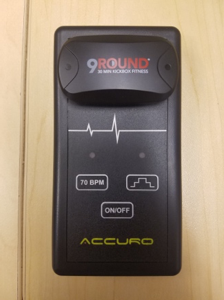
- Press the ON/OFF button.
- Press the 70 BPM button. The red light above the button should begin to blink.
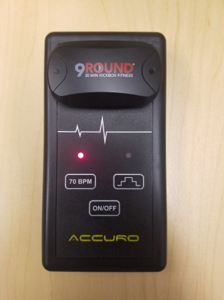
- You should see a member tile appear on your display with a heart rate of 70 beats per minute.
- Press the Graph button. The red light above the button should begin to blink.
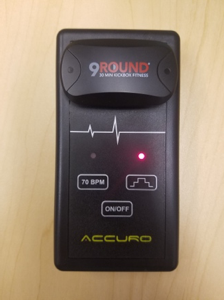
- The heart rate on the tile on the screen should now begin rising and falling steadily. It should rise up to the yellow zone, possibly slightly higher, stay at a high BPM, and then fall steadily.
To test the pod and the strap:
- Connect the pod to the strap.
- Connect the strap cables to the tester.
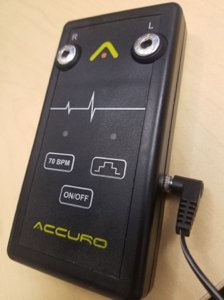
- Connect the black and red ends to the outer part of the belt's sensor pads.
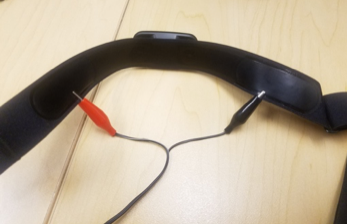
- Repeat the steps above by powering the tester on, pressing the 70 BPM button, and pressing the graph button to ensure the pod and strap will transmit an accurate heart rate.